Welcome: Flyron Technology Ltd.
Language:
 ∷
∷

∷
 ∷
∷
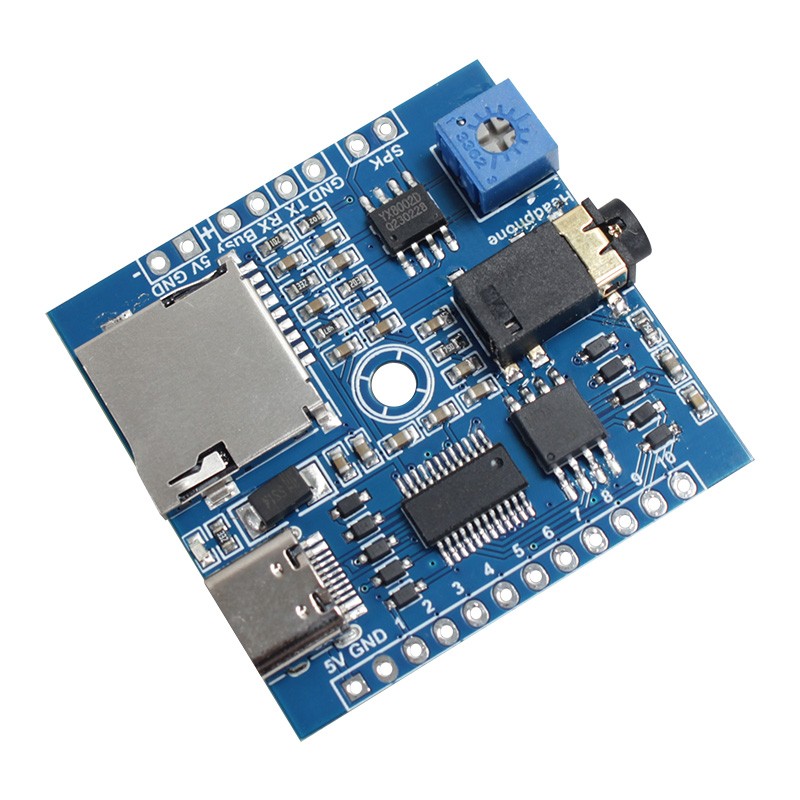
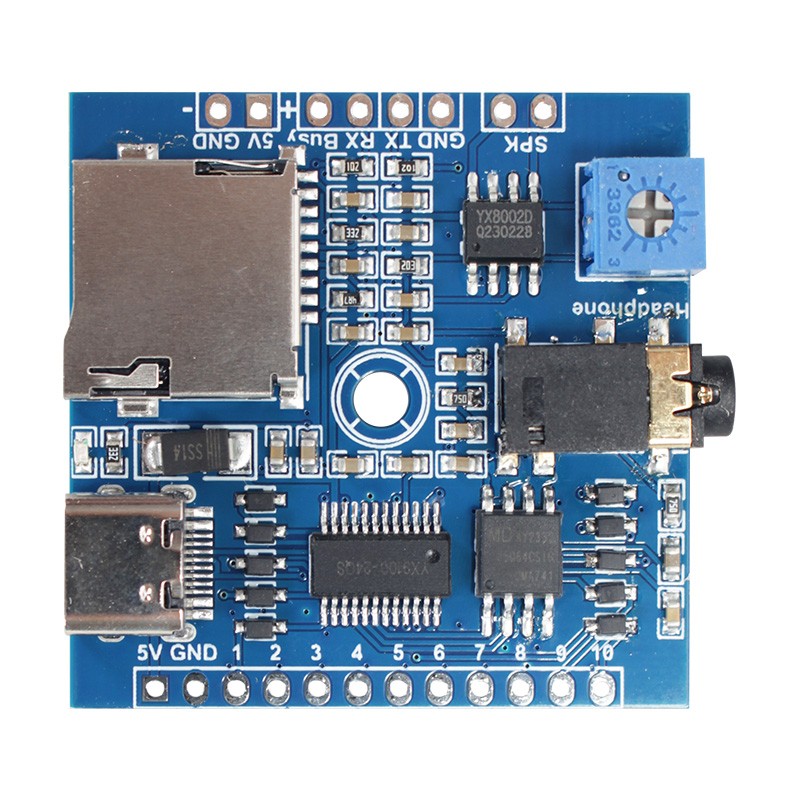
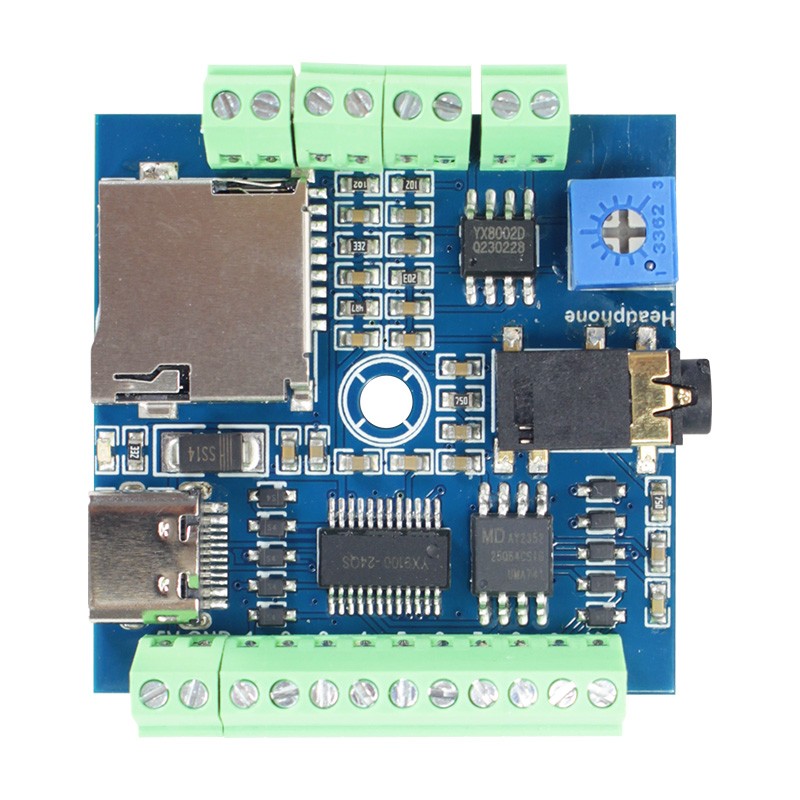
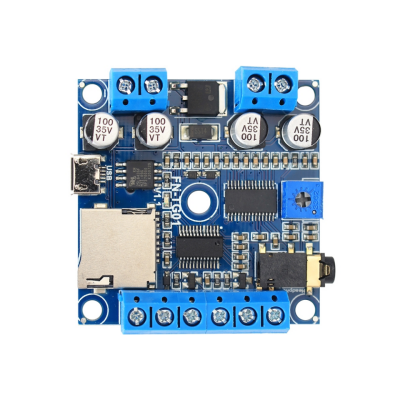
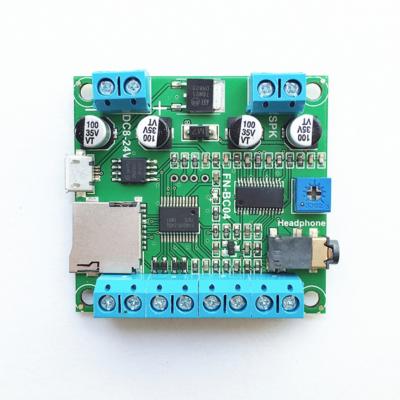
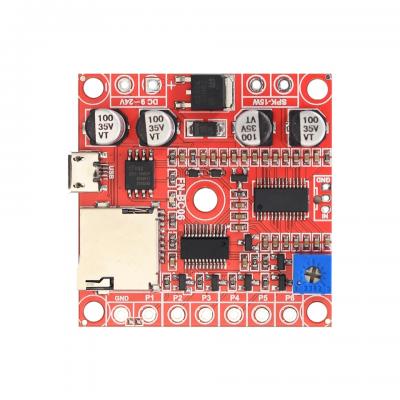
FN-BC10 is a high quality MP3 player sound module developed and manufactured by Flyron Technology Co., Ltd. Equipped with a mono 3W class D amplifier, the sound module can be directly triggered by 10 separate buttons (switches) and controlled by UART serial port. Great audio output, industry-grade design and strong anti-jamming capability make it possible to be used for many different applications.
Features
1. Equipped with a high quality audio decoder, which supports MP3 and WAV audio formats.
2. Supports button control mode and UART serial mode.
3. In button control mode:
-Able to connect as many as 10 buttons/switches.
-Supports 10 different trigger modes/functions.
-Able to set a trigger mode using a config file (text file) easily.
4. In UART serial mode:
-Supports specifying a certain track to play one time.
-Supports specifying a certain track to play in a loop.
-Supports specifying all tracks in a certain folder to play in a loop.
-Supports playing all tracks in the memory in a loop.
-Supports playing all tracks in the memory in random.
-Supports setting volume.
-Able to set different communication baud rates (9600/19200/38400/57600/115200/256000/35250/2400/4800).
5. Uses the built-in SPI flash memory and a micro SD card as the storage devices.
6. Built-in 8MB SPI flash memory and supports max. 32GB micro SD card.
7. Equipped with a type-C USB connector. Possible to load audio files to the flash memory directly via USB connection to computer.
-The flash memory will be detected as a USB flash drive on computer.
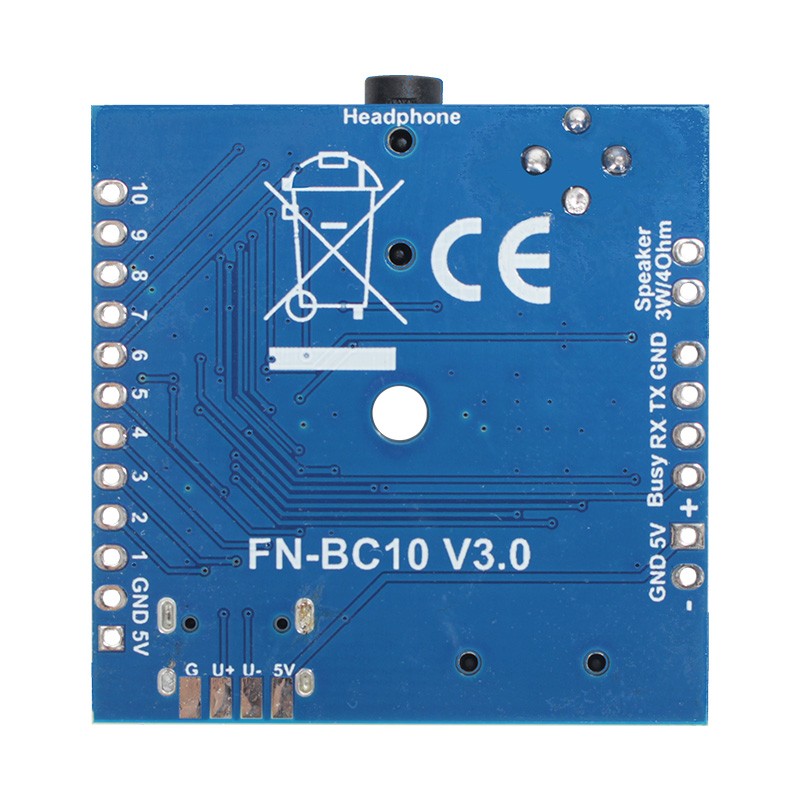
8. Possible to connect to an external USB connector through the solder pads (5V, U-, U+, G) on the back of the module.
9. Equipped with a mono 3 watts class D amplifier that can drive a 1-3 watts (4ohm/8ohm) speaker directly.
10. Equipped with a 3.5mm audio jack for stereo output that can drive an earphone directly or connect to an external amplifier.
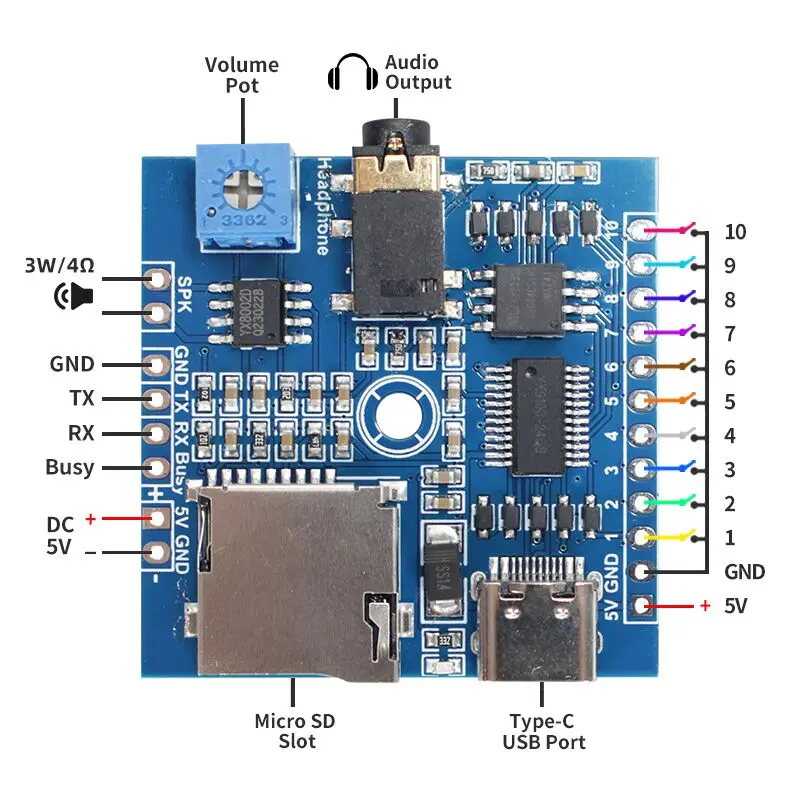
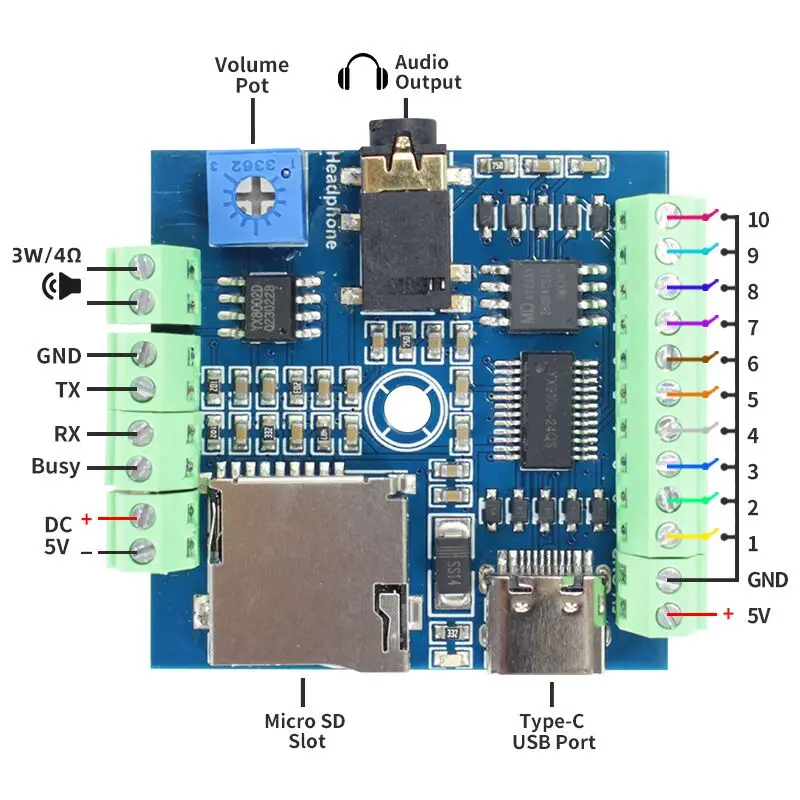
11. A Busy output is available (when the module is at standby, it outputs low level 0V; while a sound is playing, it outputs high level 3.3V).
12. A 5V output is available to supply 5V power to an external device.
13. Adjustable sound volume for speaker output through the blue potentiometer.
Technical Parameters
1. Working voltage: 5V DC
2. Working current: ≥600mA (external device not included)
3. Standby current: ≤10mA
4. Power consumption: ≤3W
5. On-board flash memory size: 8MBytes
6. Audio format: MP3 or WAV
Trigger Mode Selection for Button Control Version
Number in Config File | Trigger Mode | Explanation |
0 | MP3 player mode | In this mode, K1 works as Next (uninterruptible), K2 as Next (interruptible), K3 as Shuffle Playback (uninterruptible), K4 as Shuffle Playback (interruptible), K5 as Play/Pause, K6 as Stop, K7 as Previous (uninterruptible), K8 as Previous (interruptible), K9 and K10 are idle. |
1 | Level hold for loop playback | In this mode, a button must be held/maintained to the trigger for audio file to complete. The audio file will only play back while button is held/maintained. During playback once the button being held is removed, the playback will be stopped/canceled. Once the button is kept holding, when the playback of the audio file is finished, it will start to play it repeatedly(loop playback). |
2 | Level hold for playback once | In this mode, a button must be held/maintained to the trigger for audio file to complete. The audio file will only play back while button is held/maintained. During playback once the button being held is removed, the playback will be stopped/canceled. Once the button is kept holding, when the playback of the audio file is finished, it will stop. |
3 | Pulse interruptible | In this mode, short press the button to start playback. It is possible to interrupt the playback by pressing the same button used to activate. Once playback is interrupted, it will automatically restart the audio file immediately. It’s also possible to interrupt the playback by pressing any of the other 9 buttons. Once playback is interrupted, it will automatically start the sound that is associated with the button pressed. |
4 | Pulse uninterruptible | In this mode, short press the button to start playback. It's not possible to interrupt the playback by pressing the same button or the other buttons. Once an audio file is triggered, the audio file will not be able to be interrupted/canceled during playback. The playback will only end when the audio file has played its entirety. |
5 | Play multiple audio files in order per button (interruptible) | Each button from K1 to K10 have their associated folders from 01 to 10 respectively. Each folder can store multiple files (for example from “001.mp3” to “030.mp3”). Short press the button to play sound file “001.mp3”, and short press again to play the next file “002.mp3”, and so on. When the last audio file finish playing, short press again to go back to play file “001.mp3”. During playback, if you press the button again, the playback will be interruptible and it will playnext file. |
6 | Play multiple audio files in order per button (uninterruptible) | The same as mode “5”, but during playback, if you press the button again, the playback will be uninterruptible. |
7 | Play multiple audio files at random per button (interruptible) | Each button from K1 to K10 have their associated folders from “01” to “10” respectively. Each folder can store multiple files (for example from “001.mp3” to “030.mp3”). Short press the button to play an audio file at random. During playback, if you press the button again, the playback will be interruptible and it will playanother audio file at random. |
8 | Play multiple audio files at random per button (uninterruptible) | The same as mode “7”, but during playback, if you press the button again, the playback will be uninterruptible. |
9 | Advertising machine mode /museum audio player mode | In this mode, audio files in the folder “00” will automatically play one by one in a loop when power is applied. Any button from K1 to K10 (associated with “001.mp3” to “010.mp3” respectively, which are stored in the root directory) can interrupt it and switch to play the associated audio file. Once the associated audio file finishes the playback, the audio files in the folder “00” will continue to play in a loop. |
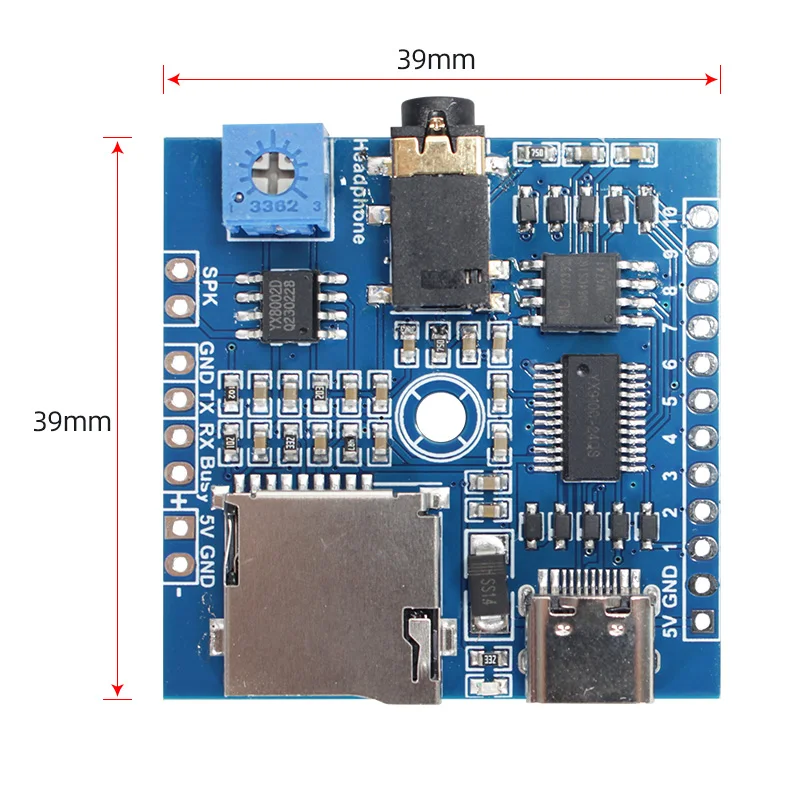
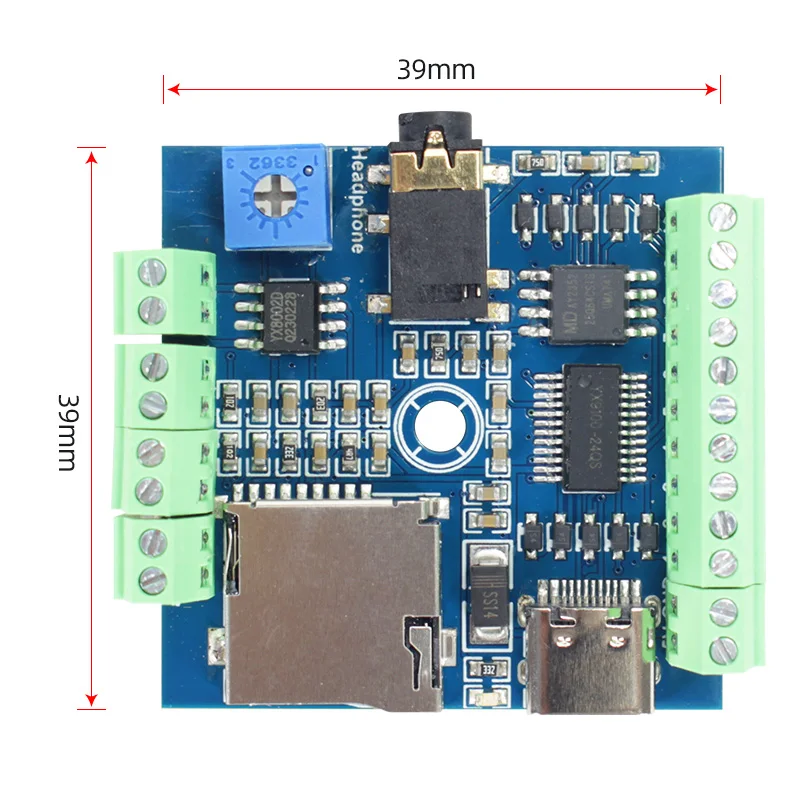
Size
Connection Examples
Contact: Mr. Kevin Xu
Phone: To be updated
Tel: To be updated
Email: info@flyrontech.com
Add: No. 344, Shangye Ave., Huadu District, Guangzhou City, Guangdong Province, China
 Kevin Xu